What players say
Worm Colors provides a simple but addictive challenge. The color matching mechanic is easy to understand, but the increasing speed keeps you on your toes. Each run feels different, encouraging replayability. It is a good choice for players who enjoy fast-paced coordination games. The lack of clutter and straightforward controls make it accessible for all ages.
About this game
Game Introduction
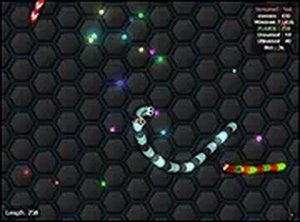
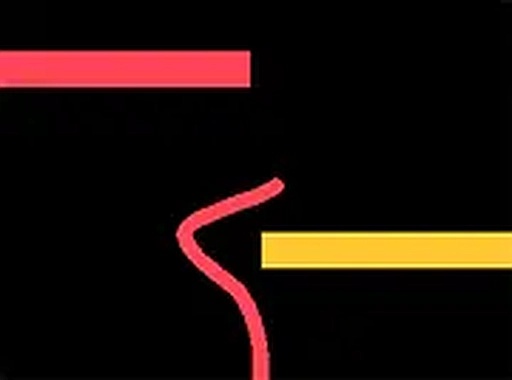
Worm Colors is a 2D reflex game that challenges your coordination and quick thinking. You control a worm navigating a path filled with colorful shapes. The goal is to pass only through shapes that match the worm's color. Each level increases in speed and complexity, testing your reflexes. Designed for desktop play, it offers a pure and engaging experience that is easy to learn but hard to master. Whether you want a mental challenge or to improve your mouse skills, this game provides endless fun. It runs smoothly in your browser and supports full screen mode for an immersive session.
How to Play
To play Worm Colors, use your mouse or keyboard to swipe left and right. Guide your worm along a path filled with colorful shapes. Your worm has a specific color, and you must touch only shapes of that same color. Touching a different color ends the game. The game starts slowly to help you learn, but the pace quickly increases. There are no complex controls or menus, just pure reflex-based gameplay. Load the game on your desktop browser to begin. Enable full screen mode for a more engaging experience. The challenge is to achieve the highest score by surviving as long as possible.
Game Features
Game features include reflex-testing color matching, simple swipe controls, increasing difficulty, and full screen mode. Each level presents a new challenge that demands faster reactions and more accurate movements.
Tips for Success
You will enjoy Worm Colors because it offers a straightforward yet challenging test of your reflexes. The colorful design and increasing speed keep each session fresh and engaging. It is a great way to sharpen your focus during short breaks.
Compatibility
▸ Desktop: Chrome / Edge / Firefox / Safari ▸ Mobile: iOS Safari / Android Chrome ▸ Tablet: iPadOS Safari / Android Tablet Browser Keep your browser updated for the best experience