
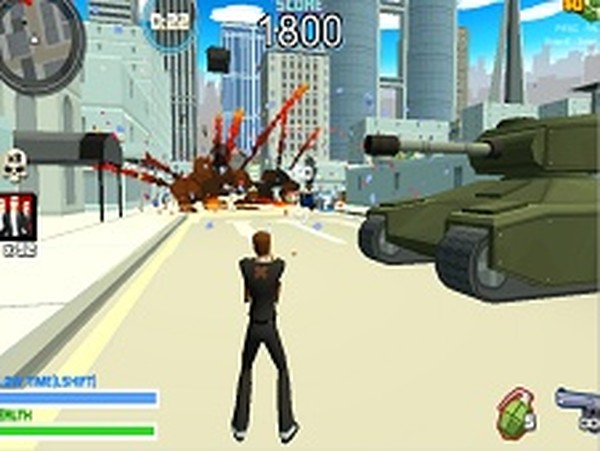
City Navigator 3D Free Roam Adventure
Review
City Navigator 3D Free Roam Adventure offers a well-balanced mix of exploration and task completion. The city feels large enough to wander without being overwhelming, and the vehicle handling adds a nice layer of strategy. Upgrades are meaningful, and the auto-save feature makes it easy to jump back in. It is a solid choice for anyone wanting a straightforward, no-download open world experience on desktop.
Full story
City Layout and Navigation
The game presents a large urban environment filled with distinct districts, road networks, and landmarks. Players can move on foot or enter cars and trucks to travel between areas. The open design encourages taking different routes to reach objectives, with shortcuts and alternate paths available for those who explore carefully. Each area of the city feels distinct, offering variety as you progress through tasks.
Task Structure and Progression
Missions are presented through on-screen prompts that guide players from one location to another. Objectives may involve reaching a specific building, delivering an item, or interacting with a character. Completing tasks unlocks further opportunities and may provide resources for upgrades. The game saves automatically, so returning players can continue from their last checkpoint without losing progress.
Vehicle Handling and Customization
A range of vehicles can be found throughout the city. Each type handles differently, requiring players to adjust their driving style. Cars offer speed and agility on paved roads, while trucks provide stability but slower acceleration. Upgrades become available over time, allowing players to improve speed, handling, or durability. These enhancements make later missions more manageable and add a layer of strategic choice.
Controls and Interface Design
Keyboard and mouse controls are straightforward. Movement on foot uses WASD or arrow keys, while mouse input handles aiming and interaction. Entering a vehicle is done by walking up to it and pressing a designated key. The interface includes a mini-map, mission tracker, and health or progress indicators. Full screen mode is supported for a more immersive view, and the game runs smoothly in standard web browsers.
Strategies for Efficient Play
To get the most out of each session, consider planning your route before setting out. Checking the mini-map can reveal the quickest path between objectives. Prioritize upgrades that match your play style—speed upgrades benefit those who prefer fast travel, while handling upgrades help with tight corners. Paying attention to mission briefings can reveal optional objectives or bonus rewards. Regular practice with driving and navigation will make tasks feel easier over time.










Reader Comments
Sign in to comment
You must be logged in before posting a review or rating.
No account? Create one
No comments yet. Be the first to comment!